RAM is the spec that quietly decides whether a game launches at all. Your GPU can be a beast, but if a game wants 16 GB and you have 8, you are watching a loading screen or a crash. What the big free PC games of 2026 officially ask for, straight from their spec sheets.

The RAM table
| Game | Minimum RAM | Recommended RAM |
|---|---|---|
| Project Entropy | 4 GB | Not published |
| Sea of Conquest | 4 GB (reported) | 8 GB (reported) |
| Star Trek Fleet Command | 8 GB (PC) | Not published |
| Raid: Shadow Legends | 8 GB | 8 GB |
| Zenless Zone Zero | 8 GB | 8 GB |
| Rise of Kingdoms | Not published | 16 GB |
| Arknights: Endfield | 16 GB | 16 GB |
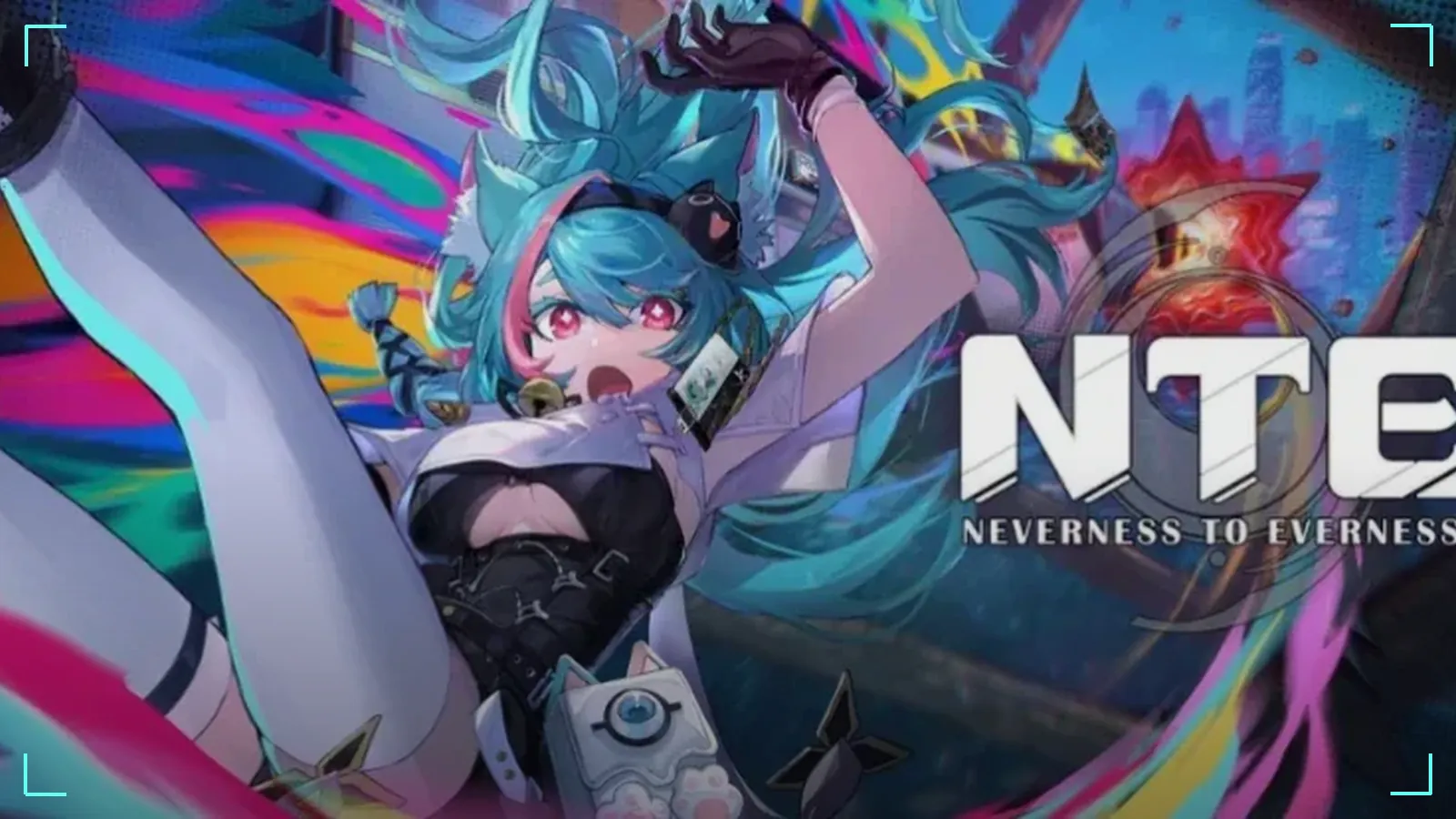
| NTE: Neverness to Everness | 16 GB | 32 GB |
8 GB: still alive, barely
Eight gigs runs Zenless Zone Zero, Raid and Star Trek Fleet Command by the book. But two of the biggest 2026 releases, Endfield and NTE, start at 16 GB. And the minimum assumes nothing else is open: no browser with 30 tabs, no Discord overlay, no stream. On 8 GB, close everything before you launch.
16 GB: the new floor
Sixteen gigs is the sweet spot for free PC gaming right now. It clears the minimum of every game in our list and the recommended spec of all of them except NTE. If you are building or upgrading today, this is the baseline, not the luxury option.
32 GB: future-proofing, with one real use today
NTE is the first game in our list to recommend 32 GB, for its Unreal Engine 5 city at higher settings. You do not need it to play: 16 GB is NTE's official minimum. Go 32 GB if you want NTE at its best, you stream or record while you play, or you want your next few years covered.
What more RAM can—and cannot—fix
Extra RAM gives Windows, the game, Discord, browser tabs and recording tools more working room. If your system is paging to storage because memory is full, moving from 16 GB to 32 GB can remove that pressure. It does not automatically double FPS or fix every hitch: shader compilation, asset streaming, a weak CPU, VRAM limits, drivers and thermal throttling can all cause stutter too.
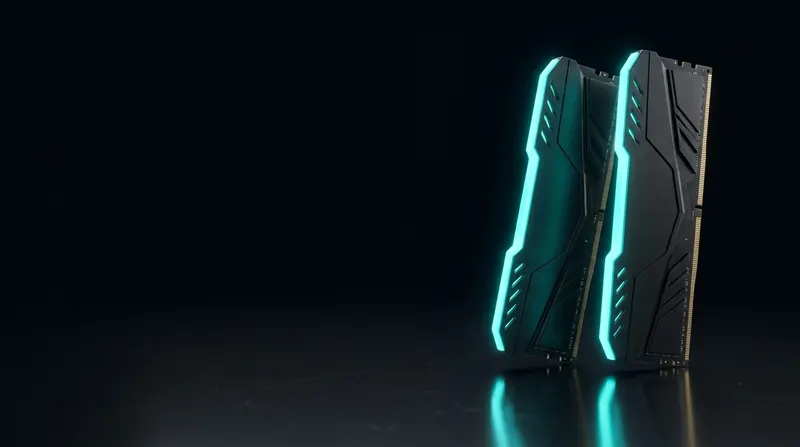
For a new desktop, two matched memory sticks are usually the cleanest dual-channel setup. Do not mix DDR4 and DDR5, and check the motherboard or laptop manual before buying a kit. Capacity is only useful if the platform supports it.
Before you buy RAM
- Check what you have. Settings, System, About, then read Installed RAM. Full walkthrough: Can your PC run it?
- Match your existing sticks. Mixing speeds and sizes can cause problems. Check your motherboard or laptop manual for the supported type and maximum.
- Laptops are tricky. Many thin laptops have soldered memory that cannot be upgraded. Check before you order.
- RAM is not the only bottleneck. A game that wants an RTX 3060 will not run well on more RAM alone. See What GPU do you need?
These numbers come from official spec sheets, linked in each game guide. We have not benchmarked RAM configurations yet and do not recommend a specific kit until we have.
Bottom line
On 8 GB? You can still play ZZZ, Raid and STFC, but you are locked out of Endfield and NTE. Upgrading to 16 GB unlocks every game in our list. 32 GB only pays off today for NTE at high settings, streaming, or long-term peace of mind.
How to check your current RAM
- Press Ctrl + Shift + Esc to open Task Manager.
- Click the Performance tab, then Memory.
- The top right shows your total installed RAM (for example "16.0 GB").
- Below the graph: Speed (in MHz), Slots used (for example "2 of 4") and Form factor (DIMM for desktop, SO-DIMM for laptop).
Single-channel versus dual-channel
Two 8 GB sticks in dual-channel outperform one 16 GB stick in single-channel by 10-30% in games. Task Manager shows "Slots used" — if it says "1 of 2" or "1 of 4," you are running single-channel. Adding a matching stick is often the cheapest gaming upgrade available.
Beyond the listed games: other free titles
| Game | Minimum RAM | Recommended RAM |
|---|---|---|
| Counter-Strike 2 | 8 GB | 8 GB |
| Valorant | 4 GB | 8 GB |
| Apex Legends | 6 GB | 8 GB |
| Fortnite | 8 GB | 16 GB |
| Genshin Impact | 8 GB | 16 GB |
| Warframe | 4 GB | 8 GB |
| Dota 2 | 4 GB | 8 GB |
| Path of Exile | 8 GB | 16 GB |
| Lost Ark | 8 GB | 16 GB |
| Guild Wars 2 | 4 GB | 8 GB |
Most competitive shooters and older free-to-play games run comfortably on 8 GB. Open-world games and newer action RPGs benefit from 16 GB. Only NTE currently asks for 32 GB recommended.
When RAM is not the bottleneck
If you already have 16 GB and a game still stutters, the problem is usually somewhere else:
- GPU VRAM: Texture pop-in and low-resolution models mean VRAM is full, not system RAM. Lower texture quality.
- CPU: High frame drops in crowded areas (cities, battle royale final circles) point to CPU bottlenecks. Lower crowd density or draw distance.
- Storage: Long loading screens and texture streaming hitches suggest an HDD. See the SSD vs HDD guide.
Should you upgrade to 32 GB?
For free-to-play games in 2026, 16 GB covers everything except NTE at recommended settings. Upgrade to 32 GB if you regularly multitask (streaming, recording, browser tabs open during gameplay) or if you play NTE with max settings. Otherwise, 16 GB remains the practical choice for free gaming.
More free game guides
See the complete free PC games guide for every genre.
FAQ
Is 8 GB of RAM still enough for gaming?
Is 16 GB enough in 2026?
Do I need 32 GB for NTE?
How do I check how much RAM I have?
// Sources