What is Rise of Kingdoms?
In Rise of Kingdoms you pick a historical civilization, grow a city from a small settlement and send armies led by famous commanders across a shared real-time map.
Lilith Games released a native Windows client, so no emulator is needed on PC.
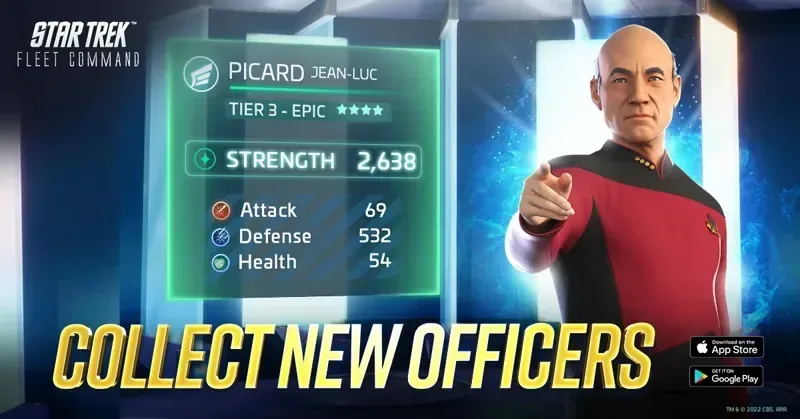
Same alliance-war formula in space: Star Trek Fleet Command and Project Entropy.
Why play it
March, gather and fight in real time alongside thousands of other players.
Big fights are won by coordinated alliances, not solo players.
Civilizations and commanders inspired by real history.
Pros and cons
Pros
- March, gather and fight in real time alongside thousands of other players.
- Big fights are won by coordinated alliances, not solo players.
- Civilizations and commanders inspired by real history.
Cons
- Long-term game: progress is slow by design.
- Spending gives a real edge in wars.
- A 6-core CPU and 16 GB RAM are recommended for the PC client.

Official art and screenshots
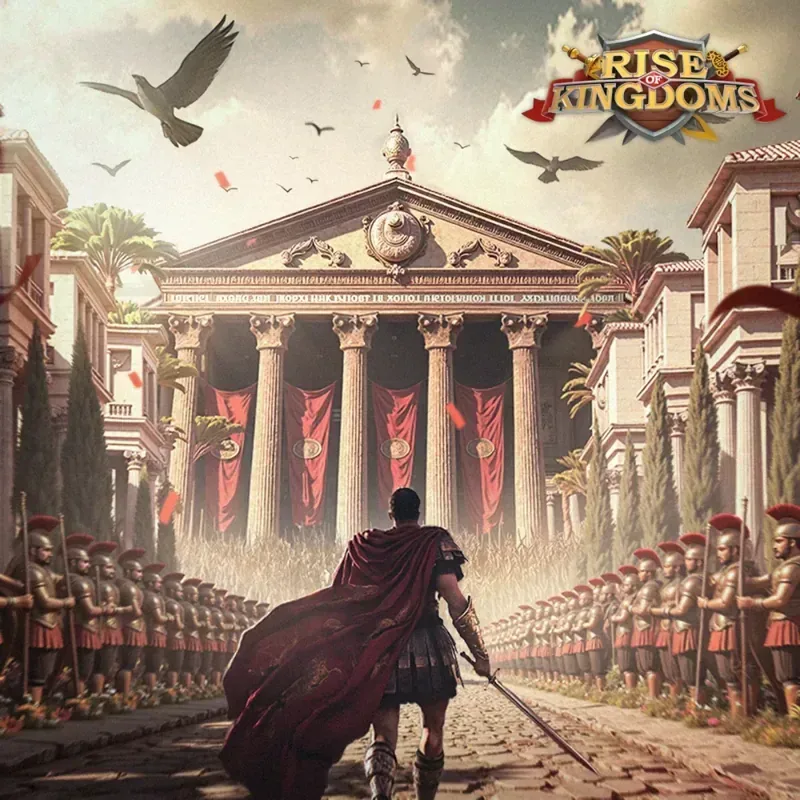
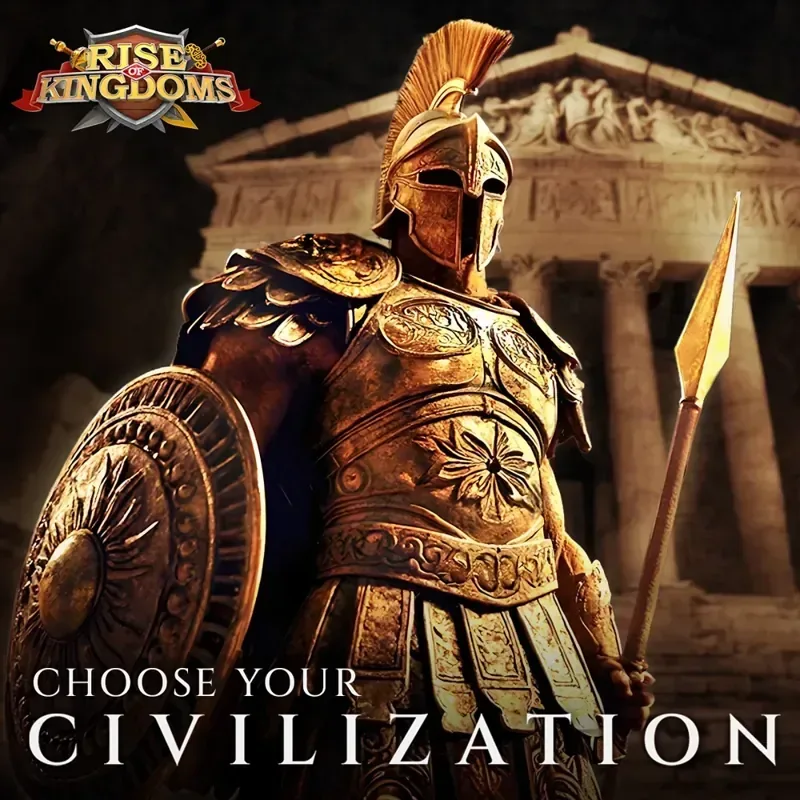

Official promotional images from the publisher. Some are marketing art, not in-game captures. Rise of Kingdoms and its artwork are trademarks and copyrights of their respective owners. HudPicks is not affiliated with or endorsed by the publisher, which may pay us for installs through our orange buttons.
Can your PC run it?
| Component | Minimum | Recommended |
|---|---|---|
| OS | Not published | Windows 10/11 64-bit |
| CPU | Not published | 6-core 3.6 GHz (i5) or Ryzen 5 1600, with AVX |
| RAM | Not published | 16 GB |
| Storage | Not published | 10 GB+ free |
Lilith publishes recommended specs only, so we do not guess a minimum. The CPU must support AVX. A Mac client exists too, but our download button is for Windows. Not sure what you have? Check your specs in 2 minutes. Need an upgrade? See our hardware guides.
Beginner tips
- Pick your civilization for your play style: some favor infantry, others cavalry or archers.
- Join an active alliance on day one: alliance help speeds up every build and research timer.
- Keep your builders and research queues busy at all times.
- Use your peace shield when you log off early in the game.
Verdict
Should you play it?
Great for players who enjoy long-term strategy and teamwork. If you want quick matches you can finish in 20 minutes, choose a classic RTS instead.