Before you install
8 GB (PC) · 4 GB (Mac) RAM minimum. See all specs.
Free-to-play, in-game purchases
Source-based guide. Hands-on review is not published yet. Our method.
What is Star Trek Fleet Command?
Star Trek Fleet Command puts you in charge of a starbase at the edge of contested space. You upgrade your base, build ships, recruit officers from across Star Trek history and choose your side between the great factions.
You can start without an account; a free Scopely account then syncs your progress between PC, Mac and mobile.
What the game is
Star Trek Fleet Command is a 4X strategy MMO set in the Star Trek universe. You build your starbase, mine resources from star systems, research technology and engage in diplomacy and warfare with other players. The galaxy map is massive and shared in real-time.
Officers from every Star Trek era serve as crew members on your ships. Kirk, Spock, Picard, Data, Janeway and dozens more are recruitable. Each officer has unique abilities that affect ship combat, mining efficiency or station defense.
Gameplay loop
- Build your starbase. Unlock research, shipyards and defensive structures.
- Build and upgrade ships. Explorer, interceptor and battleship classes counter each other.
- Recruit and level officers. Assign crew to ships for combat bonuses and special abilities.
- Mine the galaxy. Resources are spread across star systems with different levels and dangers.
- Alliance warfare. Territory control, alliance events and server-wide wars drive endgame.
- Faction missions. Choose between Federation, Klingon and Romulan mission chains for exclusive rewards.
System requirements
| Spec | Minimum | Recommended |
|---|---|---|
| CPU | Any modern dual-core | Intel i5 equivalent |
| RAM | 8 GB (PC) | 8 GB+ |
| GPU | Integrated graphics OK | Dedicated GPU preferred |
| Storage | Moderate (~5 GB) | SSD preferred |
| OS | Windows 10 64-bit or macOS | Windows 10/11 or macOS |
Available on PC and Mac. Lightweight and cross-platform with mobile.
Monetization
Officer packs, ship blueprints, resource bundles and speed-ups. The game monetizes aggressively with frequent limited-time offers. Free players can progress through daily missions and events but competitive play at higher levels benefits significantly from spending.
Monthly passes and event bundles offer the best value for moderate spenders.
Tips for new players
- Do not attack other players early. Focus on PvE content and building your base. PvP draws retaliation.
- Choose a faction path early. Federation, Klingon and Romulan missions give exclusive rewards. You can eventually unlock all three.
- Join an active alliance immediately. Alliance help and protection are essential in the open galaxy.
- Mine during off-peak hours. Mining nodes are contested. Late-night and early-morning sessions are safer.
- Level your officers strategically. Some officers are better at specific roles. Check guides before investing.
- Complete daily and event missions. Consistent daily play is the best free-player progression strategy.
Who should play this
Star Trek fans who enjoy long-term strategy and alliance warfare. The Star Trek license adds genuine appeal if you know the characters and lore. If you prefer historical settings, Rise of Kingdoms is the same genre with real civilizations. If you prefer sci-fi with action combat, Project Entropy adds hands-on fleet combat.
Verdict
The best Star Trek strategy game available for free. The faction system and officer recruitment appeal to fans. Alliance warfare provides long-term engagement. Monetization is aggressive but manageable for casual play.
Why play it
Iconic ships and officers, faction choices and a sandbox galaxy.
An Intel i3-4130 with HD Graphics 4400 meets the minimum. On Mac, Scopely is dropping Intel Macs in 2027, so Apple silicon is the safe bet.
Territory, events and wars are all about your alliance.
Pros and cons
Pros
- Iconic ships and officers, faction choices and a sandbox galaxy.
- An Intel i3-4130 with HD Graphics 4400 meets the minimum.
- Territory, events and wars are all about your alliance.
Cons
- You need a free Scopely account to sync progress across PC, Mac and mobile.
- Slow, long-term progression.
- Spending accelerates growth significantly.
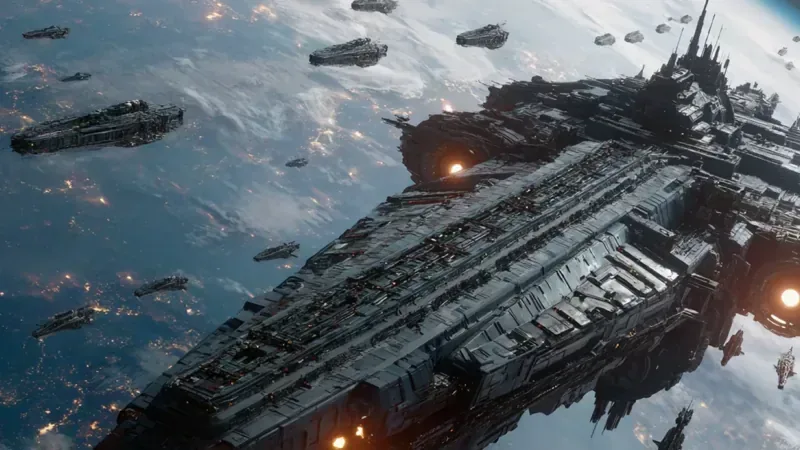
Official art and screenshots
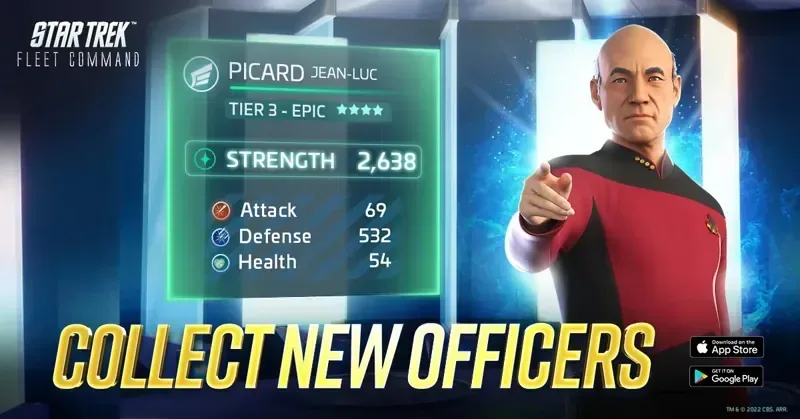
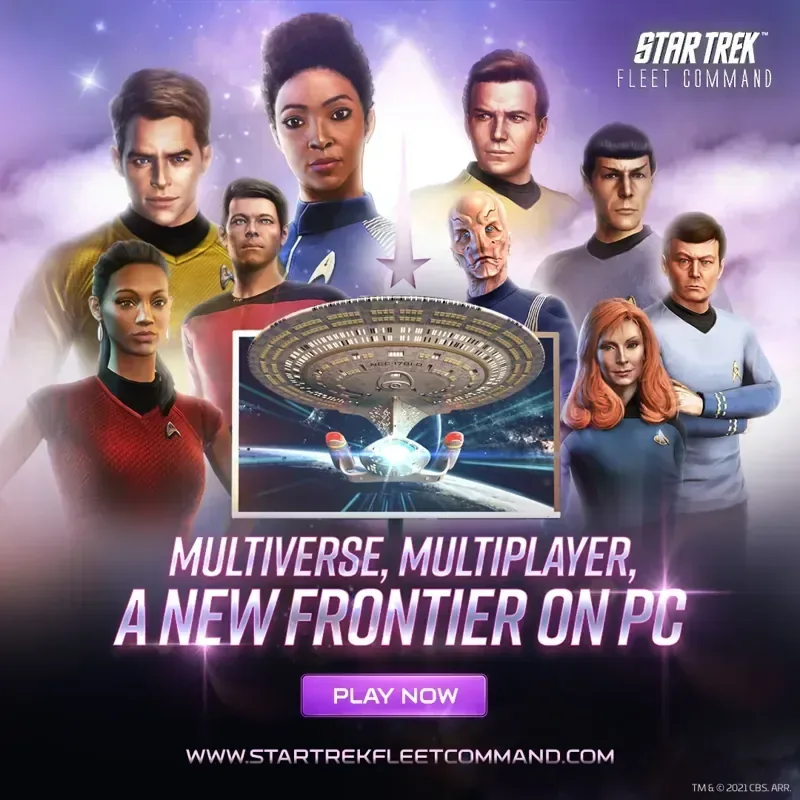
Official promotional images from the publisher. Some are marketing art, not in-game captures. Star Trek Fleet Command and its artwork are trademarks and copyrights of their respective owners. HudPicks is not affiliated with or endorsed by the publisher, which may pay us for installs through our orange buttons.
Can your PC run it?
| Component | Minimum | Recommended |
|---|---|---|
| OS | Windows 10 64-bit · macOS 11 Big Sur | Not published |
| CPU | Intel i3-4130 3.4 GHz (PC) · 1.3 GHz dual-core Intel Core i5 (Mac) | Not published |
| RAM | 8 GB (PC) · 4 GB (Mac) | Not published |
| GPU | Intel HD Graphics 4400 (PC) · Intel HD Graphics 5000 (Mac) | Not published |
Official minimum specs from Scopely support. Scopely notes these specs alone may not be enough to enjoy the game and publishes no recommended specs. Not sure what you have? Check your specs in 2 minutes.
Beginner tips
- Learn the ship triangle: each ship type counters another.
- Follow the early story missions before roaming: they guide you through your first ship upgrades.
- Match officers to the ship and the mission, not just their rarity.
- Log in daily to keep your starbase upgrades moving.
Verdict
Should you play it?
A strong choice for Star Trek fans and patient strategists, especially on Mac. Players looking for fast action should pass.
FAQ
Does Star Trek Fleet Command run on Mac?
Do I need an account?
Is it free?
Is Star Trek Fleet Command pay to win?
// Sources