Remember when a free game was a 2 GB download? In 2026, the big free-to-play releases weigh as much as premium AAA games, and their spec sheets keep repeating one line: SSD recommended. Why, and what it means for your rig.

Install sizes, from the spec sheets
| Game | Storage | SSD advice |
|---|---|---|
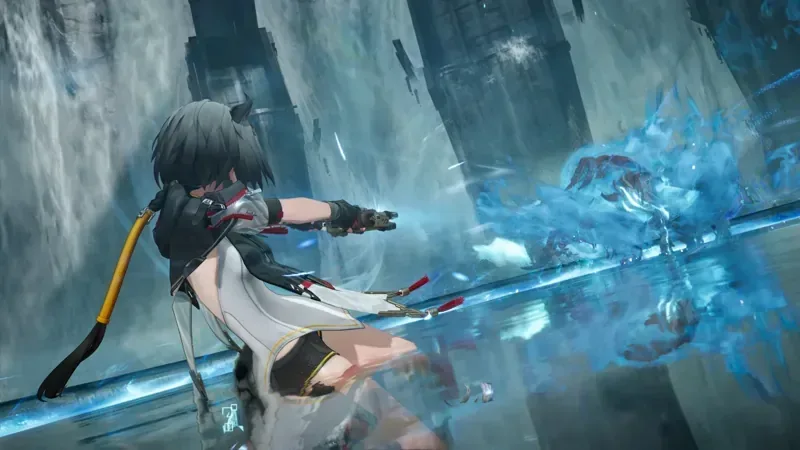
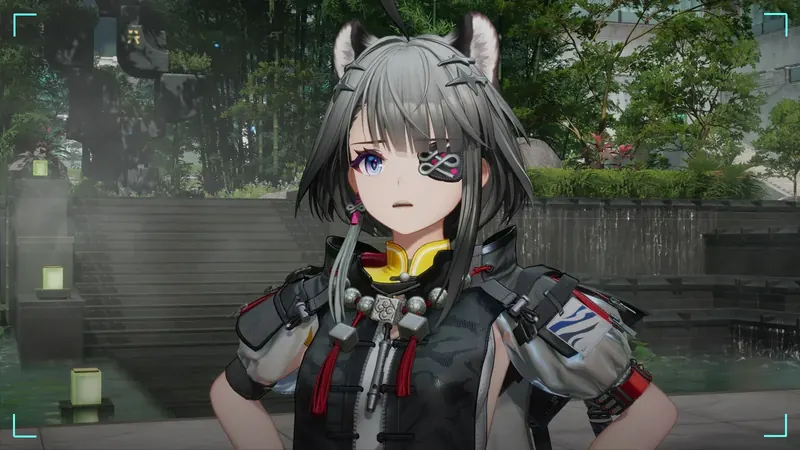
| Arknights: Endfield | 60 GB + 45 GB free to unpack | Strongly recommended |
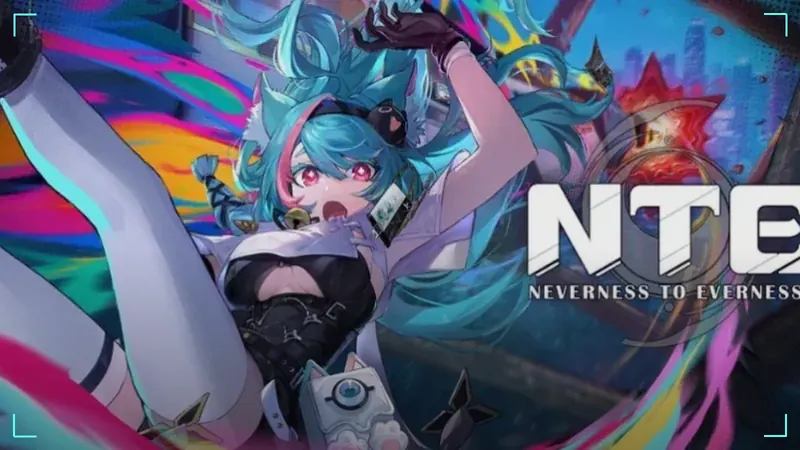
| NTE: Neverness to Everness | 70 GB | Not specified (a 70 GB open world: SSD strongly advised by us) |
| Zenless Zone Zero | 60 to 70 GB installed; up to 110 GB free during install | Advised |
| Rise of Kingdoms | 10 GB+ free | Not specified |
| Sea of Conquest | 10 GB free (reported) | Not specified |
| Project Entropy | 8 GB | Not specified |
| Raid: Shadow Legends | 5 GB (8 GB recommended) | Not specified |
Why big games want an SSD
Open-world and action games stream textures, maps and characters from your drive while you play. A hard drive reads data far more slowly than an SSD, so you get long loading screens, textures that pop in late and stutters when the game needs data fast. That is why Endfield's developers go out of their way to say "strongly recommended".
For small strategy and collection games, the difference is mostly shorter loading screens. Nice to have, not a deal breaker.
The free space trap
The size on the store page is not what the installer needs. Zenless Zone Zero's launcher can ask for up to 110 GB free during install, far above its final size. Endfield wants 45 GB extra to unpack. Games also grow with every update. Rule of thumb: keep at least as much free space as the game's size again, on top of the install.
How to check your drive
- Press Ctrl + Shift + Esc to open Task Manager.
- Open the Performance tab.
- Click each Disk: Windows shows SSD or HDD.
Then open File Explorer, click This PC and check the free space under each drive. Full walkthrough for every spec: Can your PC run it?
Have both? Split them
If your PC has an SSD and a hard drive, put the big games (Endfield, NTE, ZZZ) on the SSD and keep lighter games, videos and downloads on the HDD. Most launchers let you choose the install folder.
Sizes and SSD advice come from official sources, linked in each game guide. We have not measured loading times ourselves yet and do not recommend a specific drive until we have.
Bottom line
For the heavy hitters, Endfield and ZZZ officially, and NTE by sheer size, an SSD is not optional in spirit, and you need way more free space than the store page suggests. For Raid, Project Entropy or Sea of Conquest, a hard drive does the job. Pair your SSD with enough memory too: 16 GB vs 32 GB RAM.
FAQ
Can I install a free PC game on a hard drive?
How much free space should I keep?
How do I know if my drive is an SSD?
Which free games are fine on a hard drive?
// Sources